NetBox Designs: Create an Infrastructure Design Once and Reuse It Repeatedly
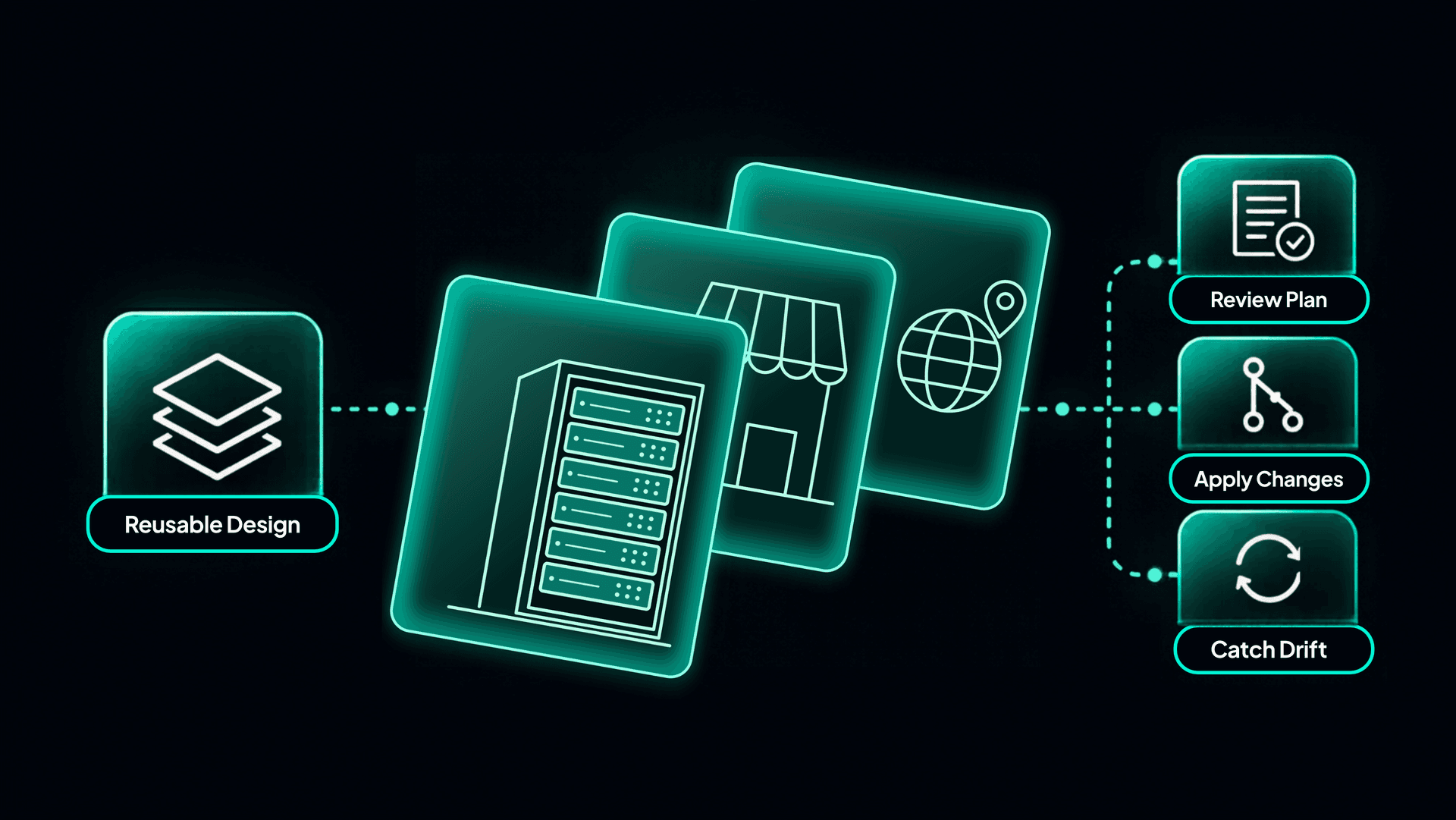
Create a rack, store, or PoP design once, then deploy it into the NetBox Labs platform as a reviewable plan as many times as you need.
You know how it goes with infrastructure design. Every new rack, store, or PoP starts from a design your team approved. That design usually lives in a spreadsheet or a Lucidchart diagram, and every time you deploy it again, someone on your team has to re-enter it into the NetBox Labs platform by hand. Each site rack can mean thousands of objects: devices, interfaces, cables, prefixes, IPs, and more.
Inevitably, each copy drifts a little from the last, so the automation that renders config from the NetBox Labs platform inherits every error. Many teams build their own templating pipeline to get around this problem, but then someone has to maintain that templating pipeline long after its author has moved on. It’s not a sustainable or scalable strategy.
NetBox Designs, generally available today, handles getting your designs into your system of record. You can write a design once as a reusable, parameterized template that you can easily deploy in any location across your organization. Operators deploy it on demand, review a plan diff, and apply it in one step. Designs write to your NetBox Labs platform data, not to the infrastructure, so your Ansible, Terraform, or in-house rendering keeps working, always from consistent data.
How a reusable infrastructure design works
A design describes the objects a standardized build needs and how they relate to each other. Variables cover what changes from one deployment to the next, such as a site name, a rack position, or an allocated subnet. A single design iteration creates every object, correctly related, so no one has to enter thousands of objects by hand.
NetBox Designs delivers:
- Composable designs. After you write a device design once, design composition enables you to reuse it in every rack design that references it. A composable deployment still runs as a single session and allows you to easily lifecycle design components later for device upgrades or evolving design decisions.
- A versioned catalogue. Designs live in a catalogue your team collaborates on and deploys from. Stock reference designs, including a GB300 NVL72 rack pair and a chain store, give you a starting point to copy and adapt.
- Schema validation. NetBox Designs checks designs against the schema in the NetBox Labs platform, so a bad value fails before anything is written.
- AI-assisted authoring. A Claude skill helps architects draft new designs, and the same schema checks apply to whatever it produces.

Plan, review, and apply with NetBox Designs
Every deployment follows the same plan-first path, whether an architect or a site turn-up team runs it:
- Pick a design and fill in its form. Operators deploy from a variable form generated from the design.
- Review the plan. NetBox Designs shows a diff of every object the apply will create or change before anything is written.
- Apply. With NetBox Branching, changes are written to an isolated branch that you merge after review, and a rejected build is discarded without touching main. Without Branching, the plan review still happens, and changes apply directly to main.

If someone makes edits in the NetBox Labs platform between plan and apply, the apply stops, so their change is never silently overwritten. Session history records who deployed which design with which variables, giving auditors a clear trail and letting architects hand off turn-ups while maintaining architectural oversight.
Catching drift for the life of a site
A deployment stays linked to the design it came from. You can re-plan any deployment on demand: An empty plan means it still matches its design. If it doesn’t, the diff shows field by field where the NetBox Labs platform has drifted from the design’s intent, so you know exactly what to fix. You won’t have any more long hours of comparing exports or finding out too late during an audit that the record has drifted from the agreed design.
When a design changes, the Deployments page flags every deployment built from an older version. Redeploy shows the plan to bring each one up to date, and you apply it after review.
Get started with NetBox Designs
If you’re still entering objects by hand, NetBox Designs can help you move faster with fewer manual errors. If you maintain a homegrown templating pipeline, a design in the NetBox Labs platform will look familiar, and you can stop owning the engine. Start from a stock design or bring your own to get started today.
Contact us for a demo on your own data, or study the documentation to explore the technical details.
