Add a New User to Free Plan
To invite a new user to a NetBox Cloud Free instance, the user will need to have a valid email address, and be added as an administrator in the NetBox Labs Console.
-
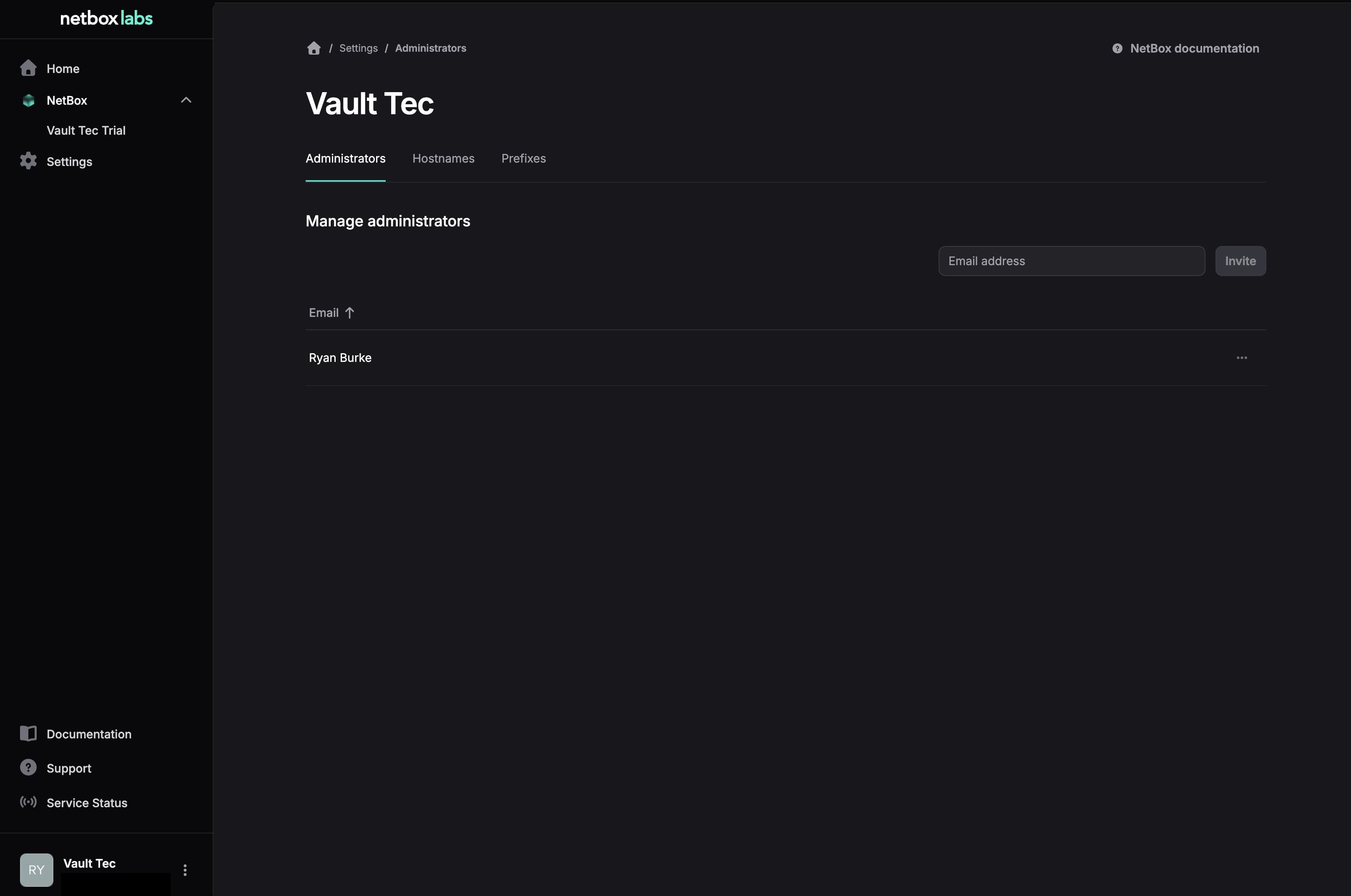
From within the NetBox Labs Console, click Settings in the left sidebar and select the Administrators tab
-
Type the user's email address in the box, and click Invite
-
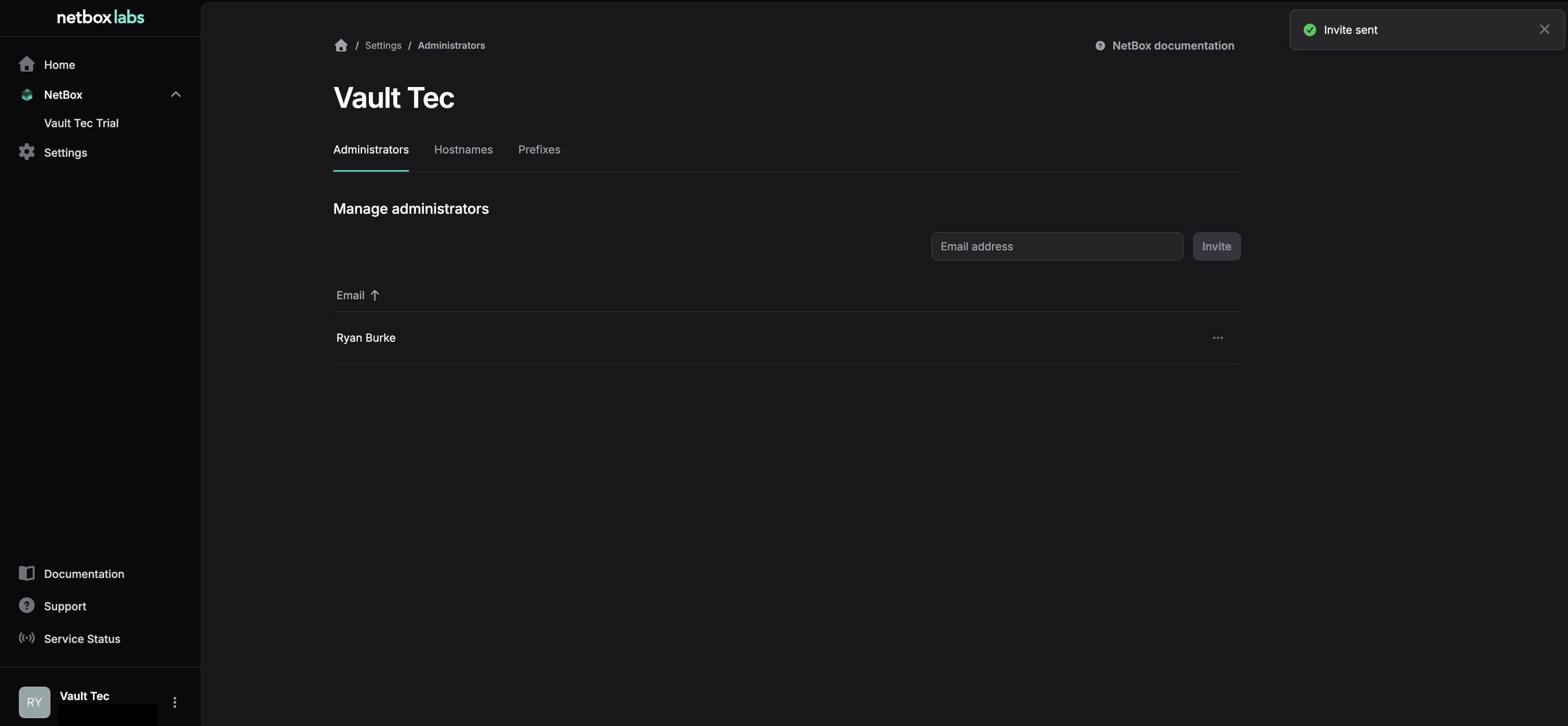
Click Continue to confirm the email address to be invited. You will receive a pop up confirming the invitation is sent
-
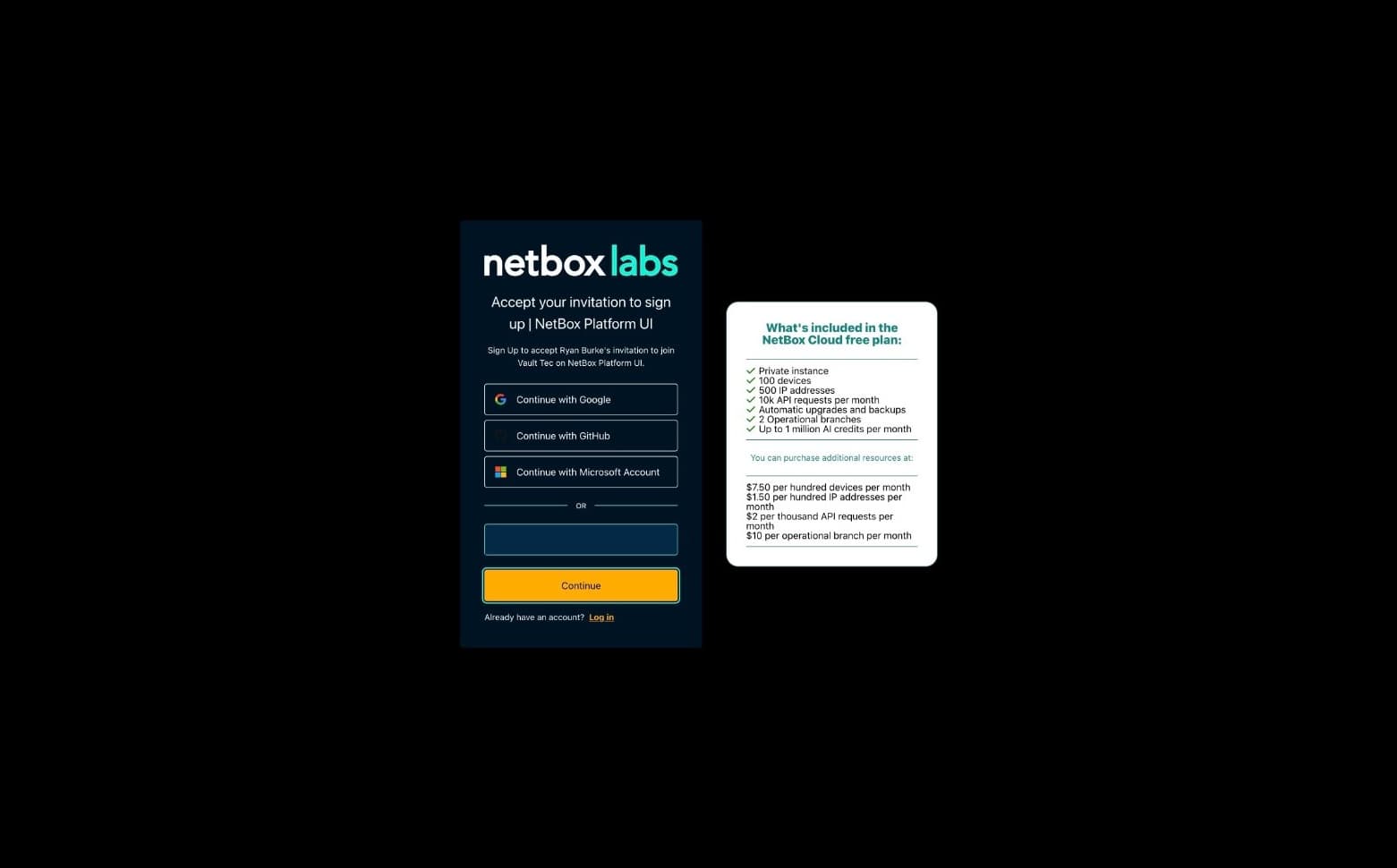
An email will be sent containing a temporary password for the Console
-
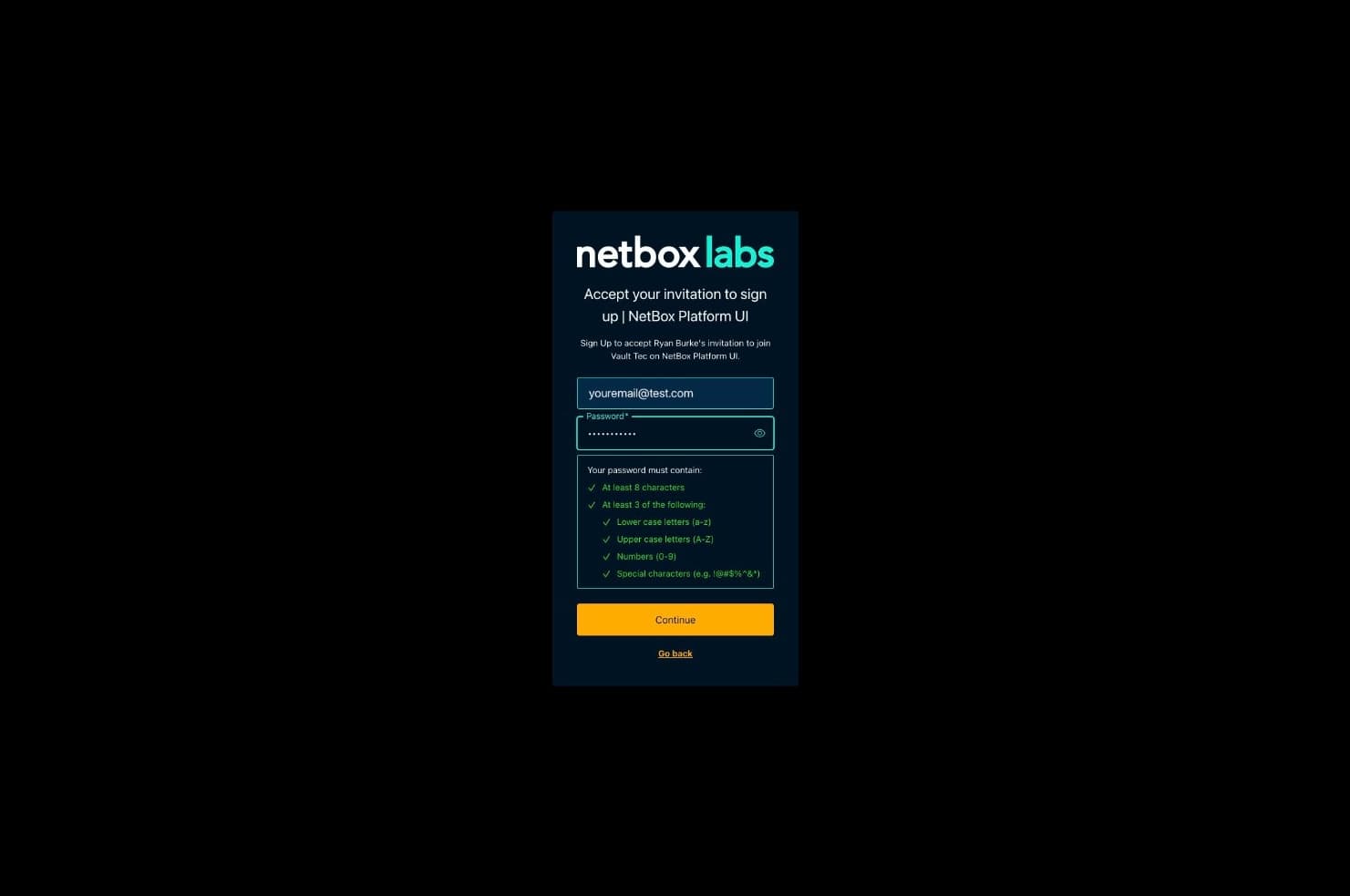
Have the user login with the temporary information, and it will prompt for a new password to be set
-
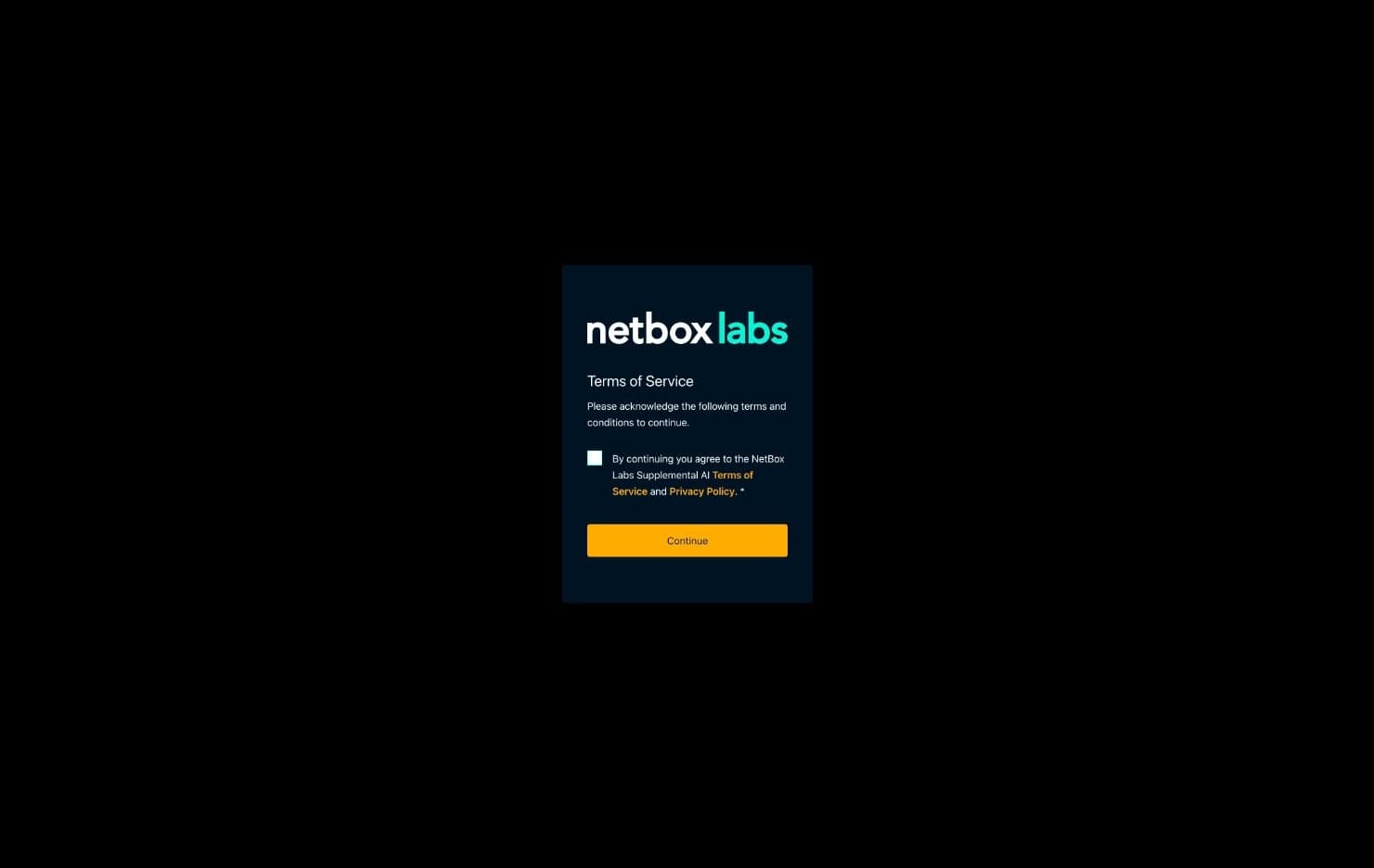
The new user must accept the Terms of Service by checking the box and clicking Continue
-
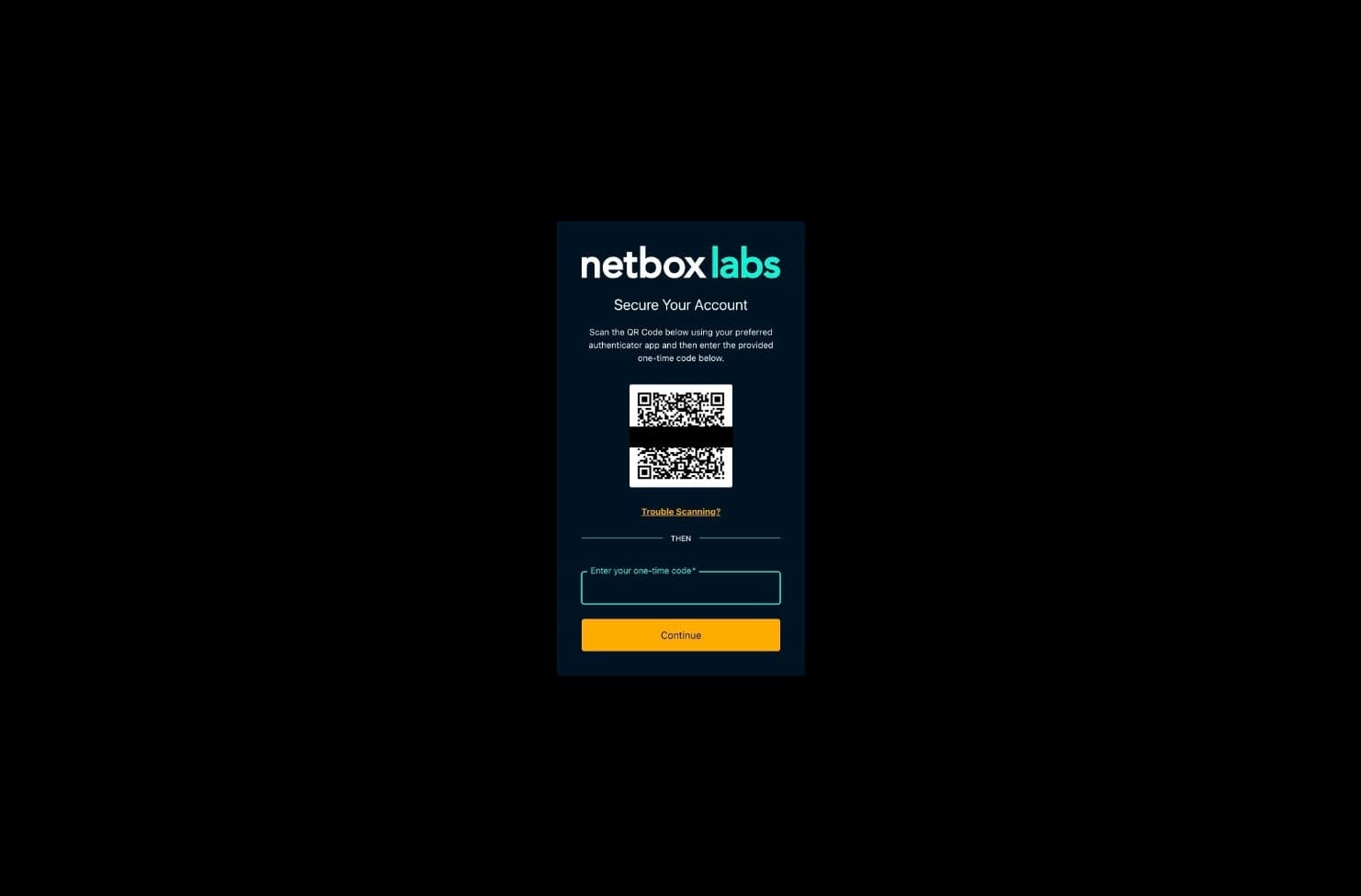
Two-factor authentication is required and the login will prompt the user to Secure their Account by scanning a QR code to their mobile device's app and typing in the provided TOTP code
-
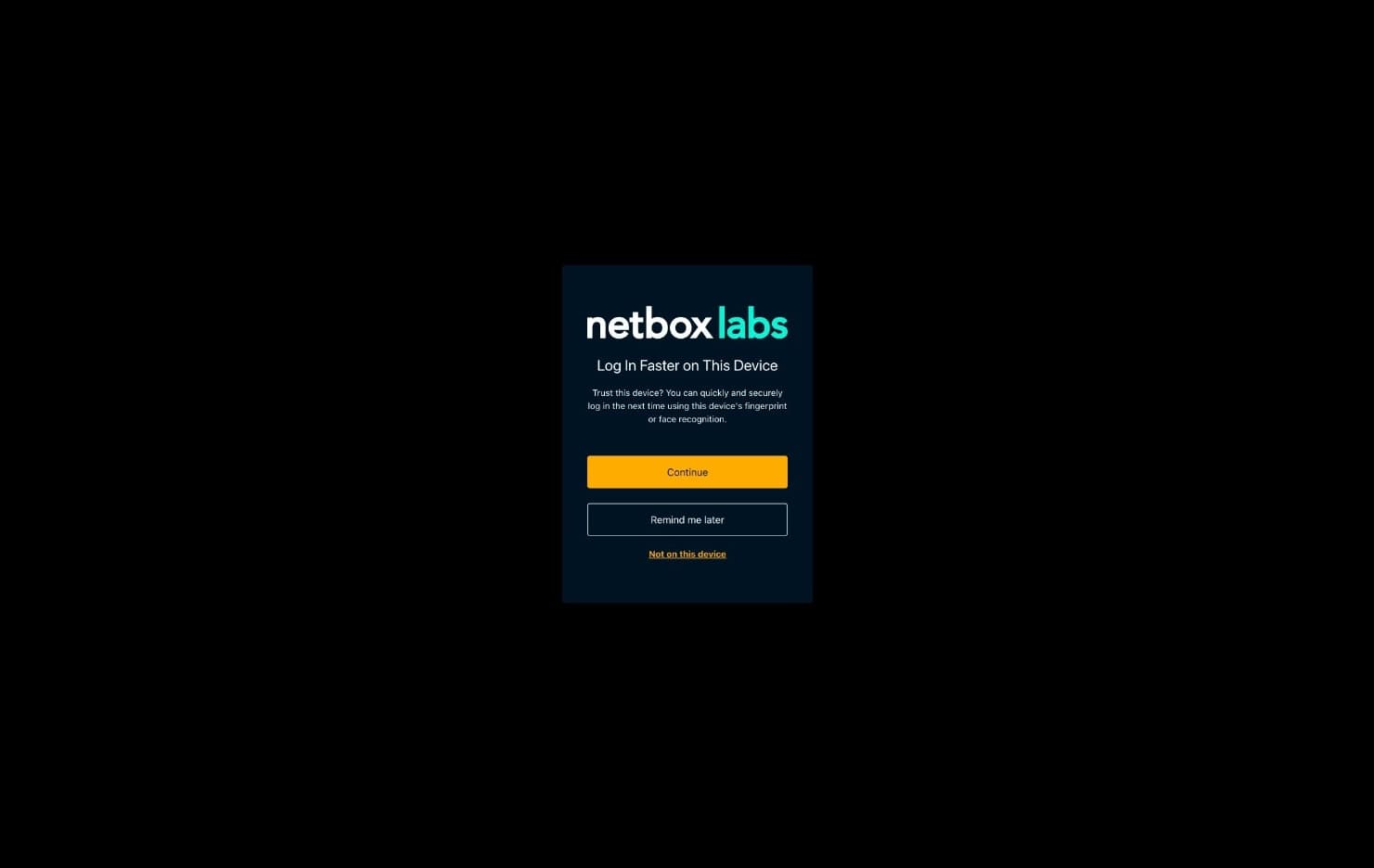
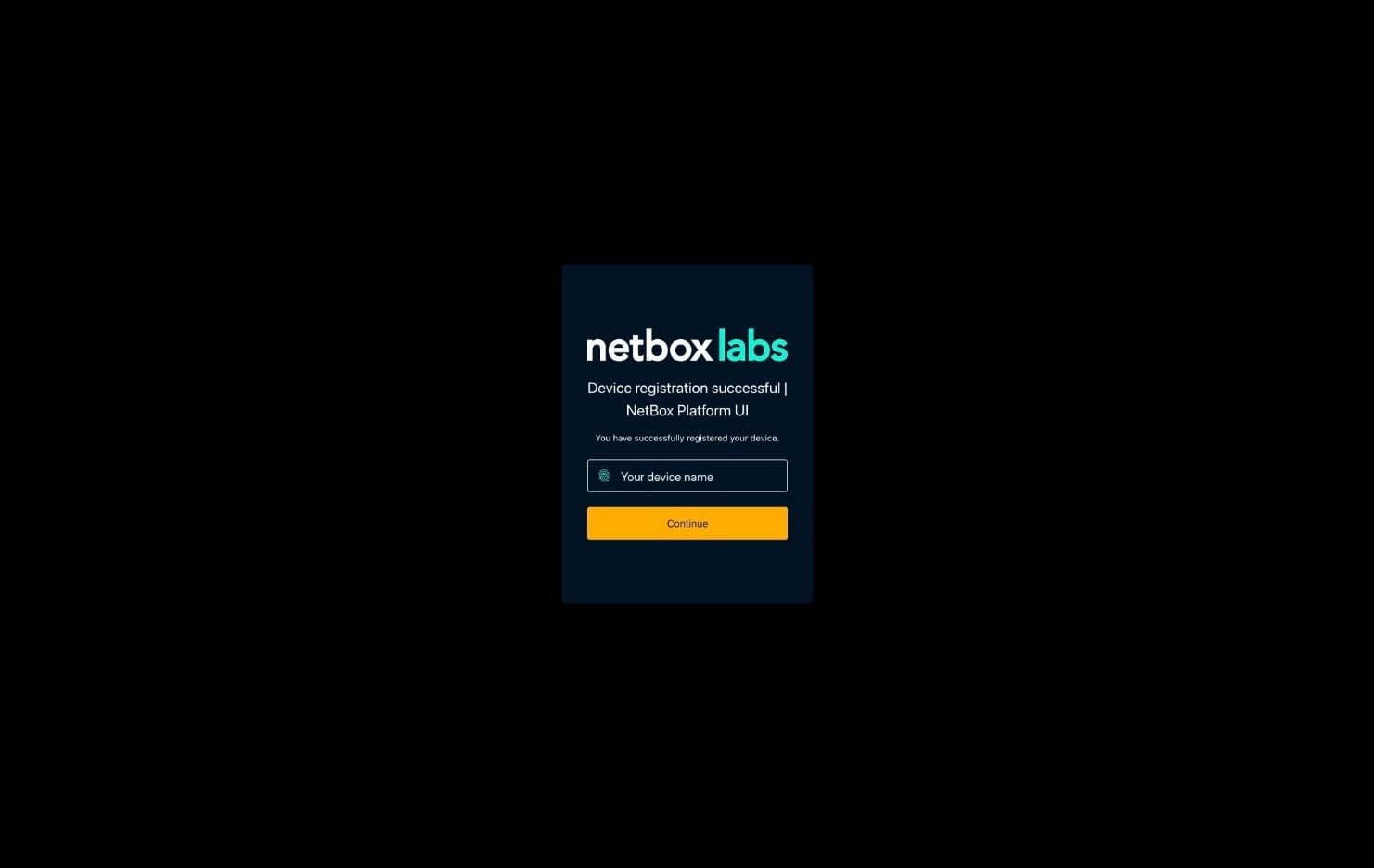
They may also optionally select to remember their login on this device
-
The user can now login to the Console with their new password